

Universal Samsung TV Remote
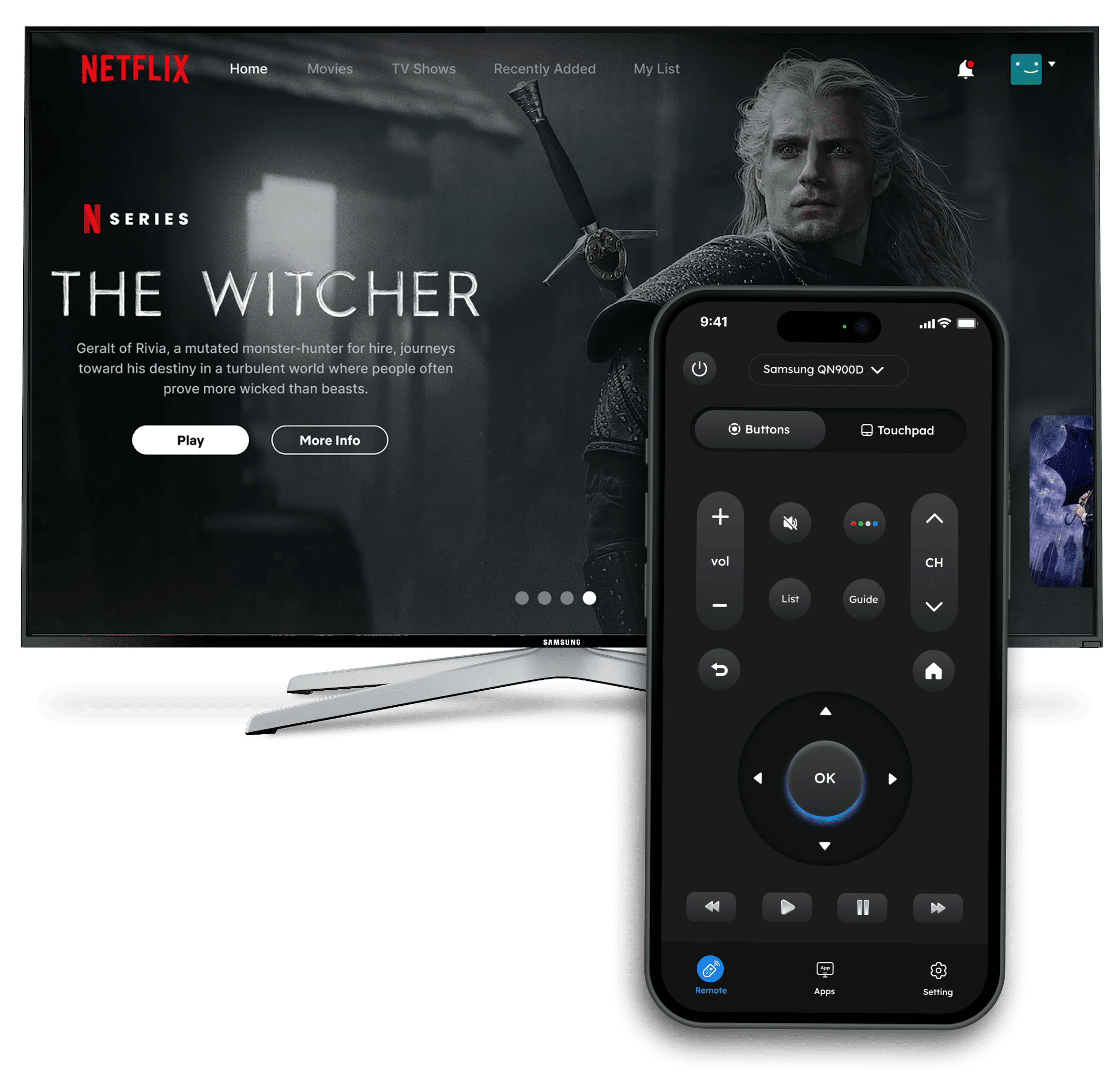
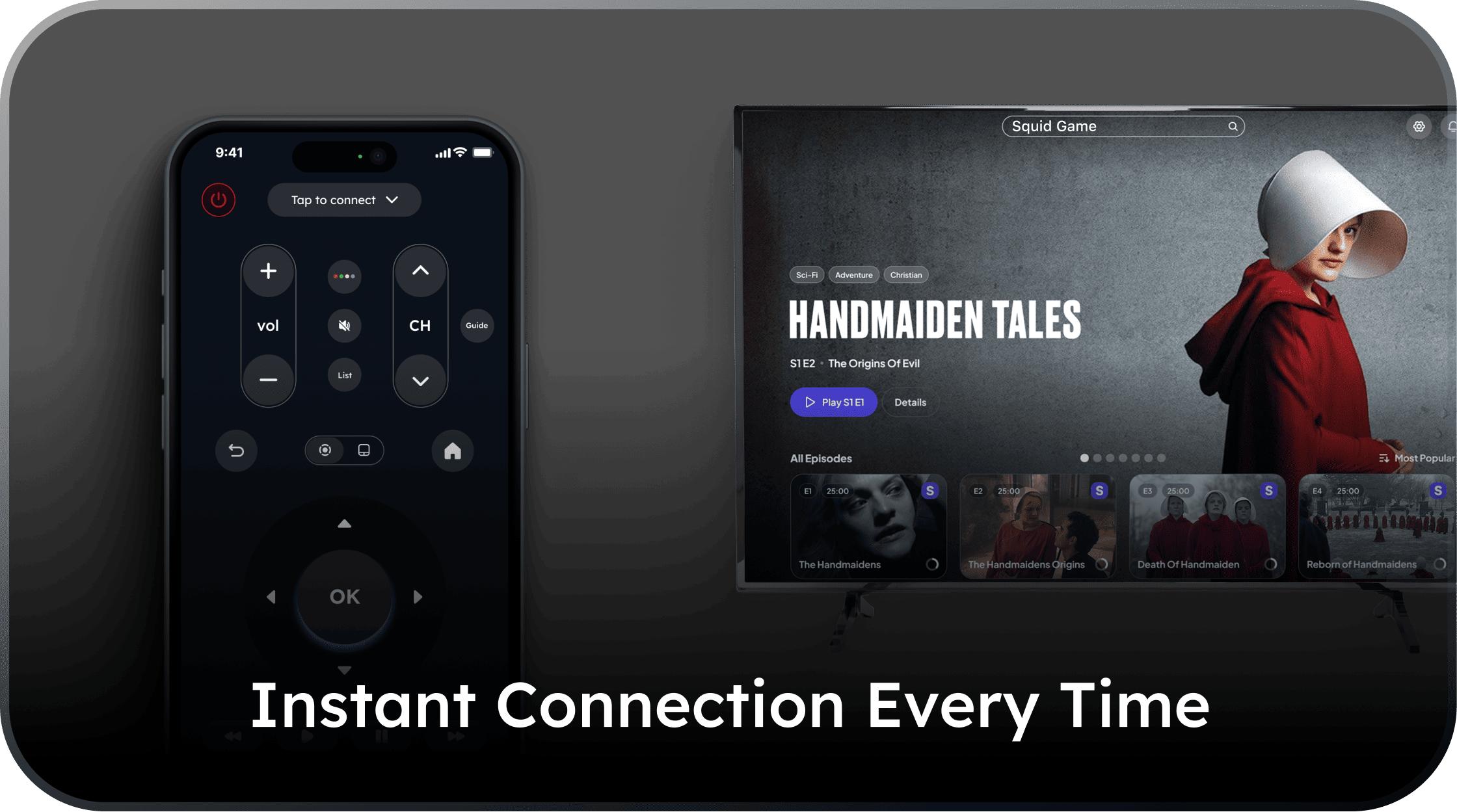
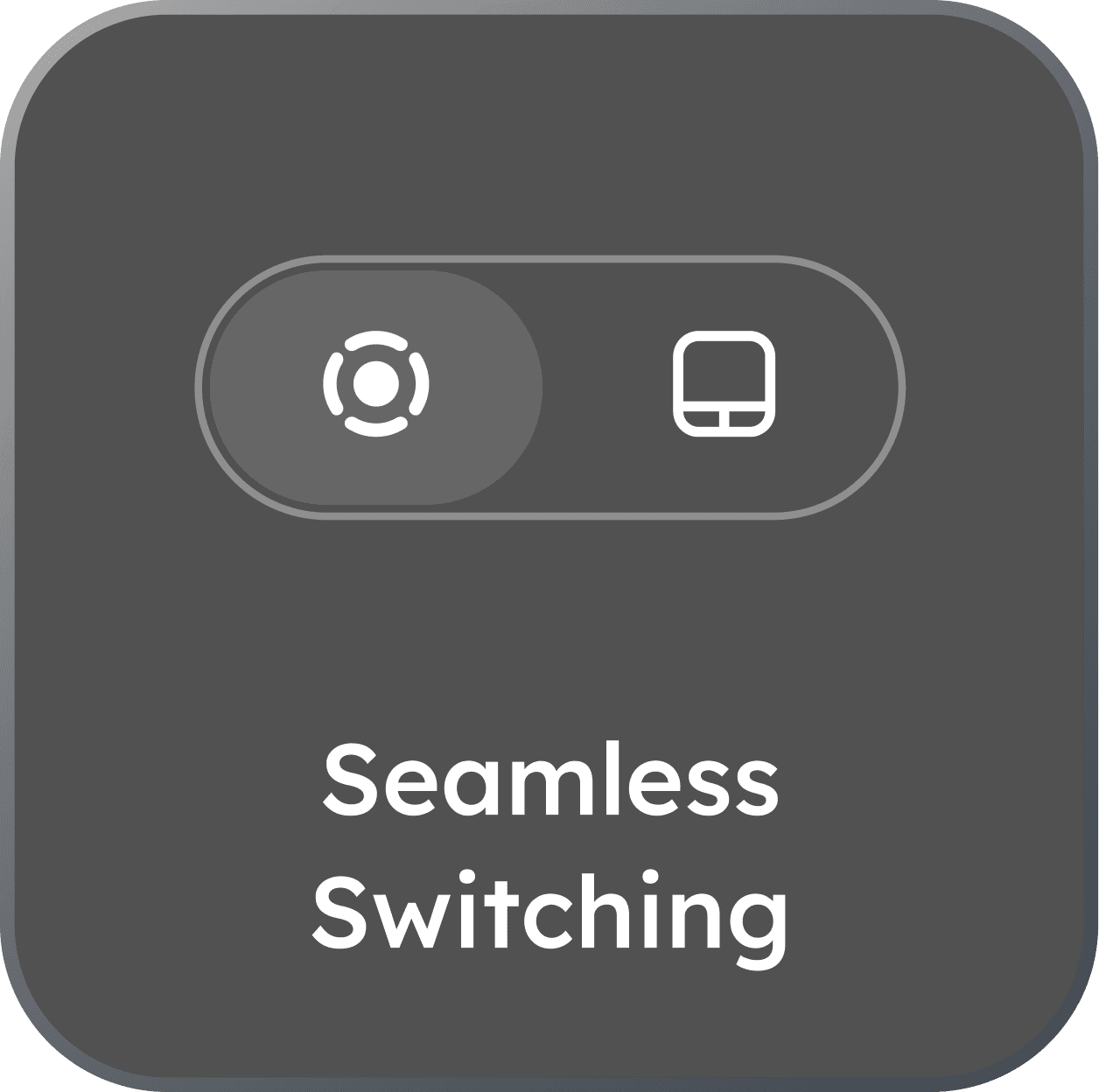
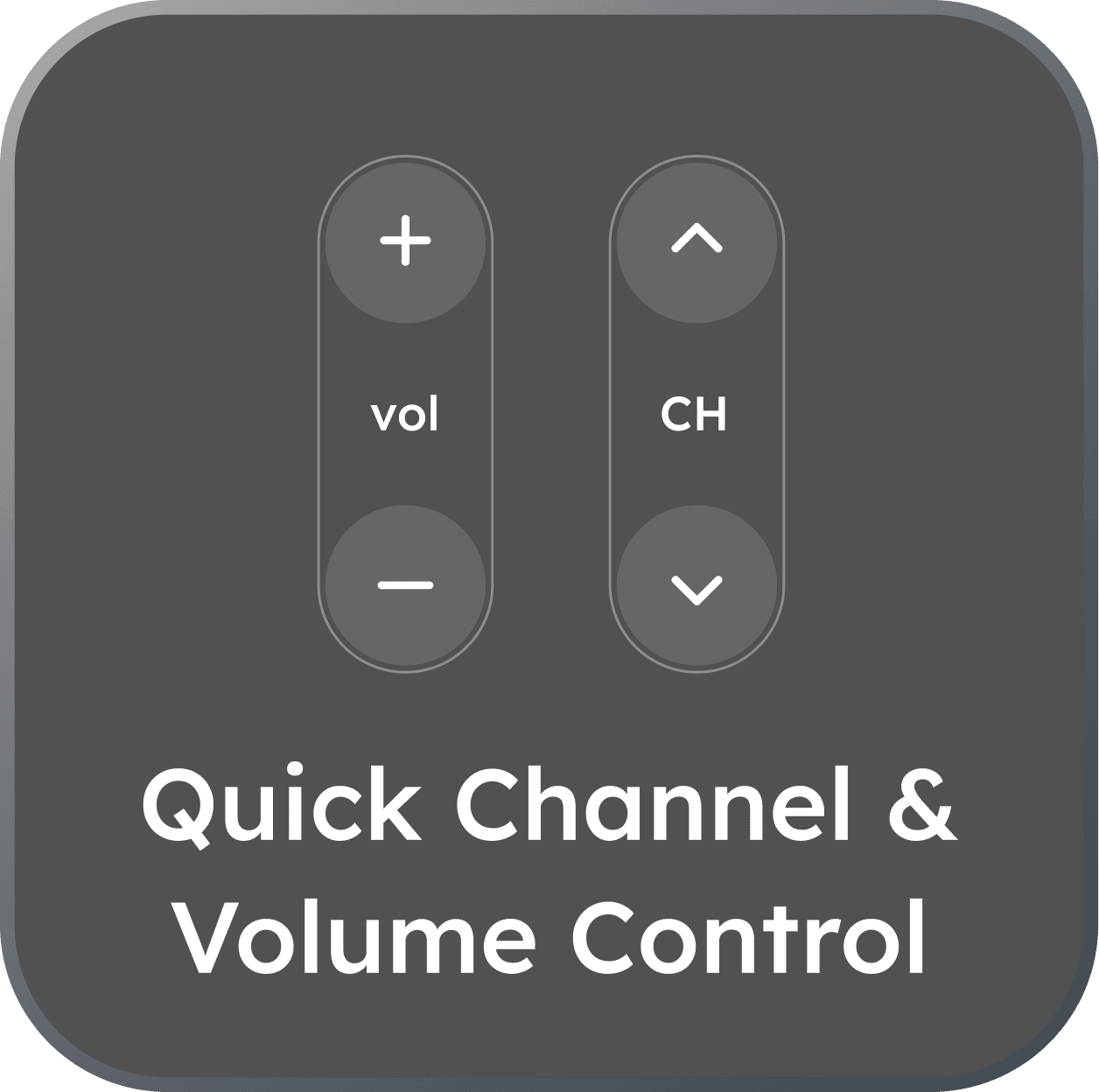
eRemote is packed with features that make your TV experience effortless.
How It Works
Connect Your Samsung Smart TV In Seconds
No complicated setup. Just use your Wi-Fi to start controlling.
Join Wi-Fi
Ensure your iPhone and TV are on the same Wi-Fi network.
Open eRemote
The app will automatically discover any Samsung TV on your network.
Tap & Control
Tap your TV's name, accept the prompt on-screen, and enjoy full control.
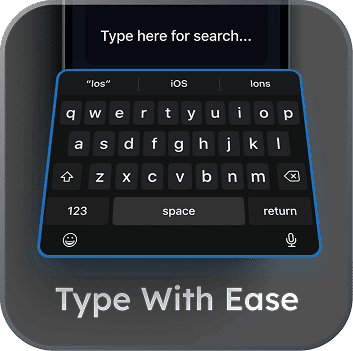
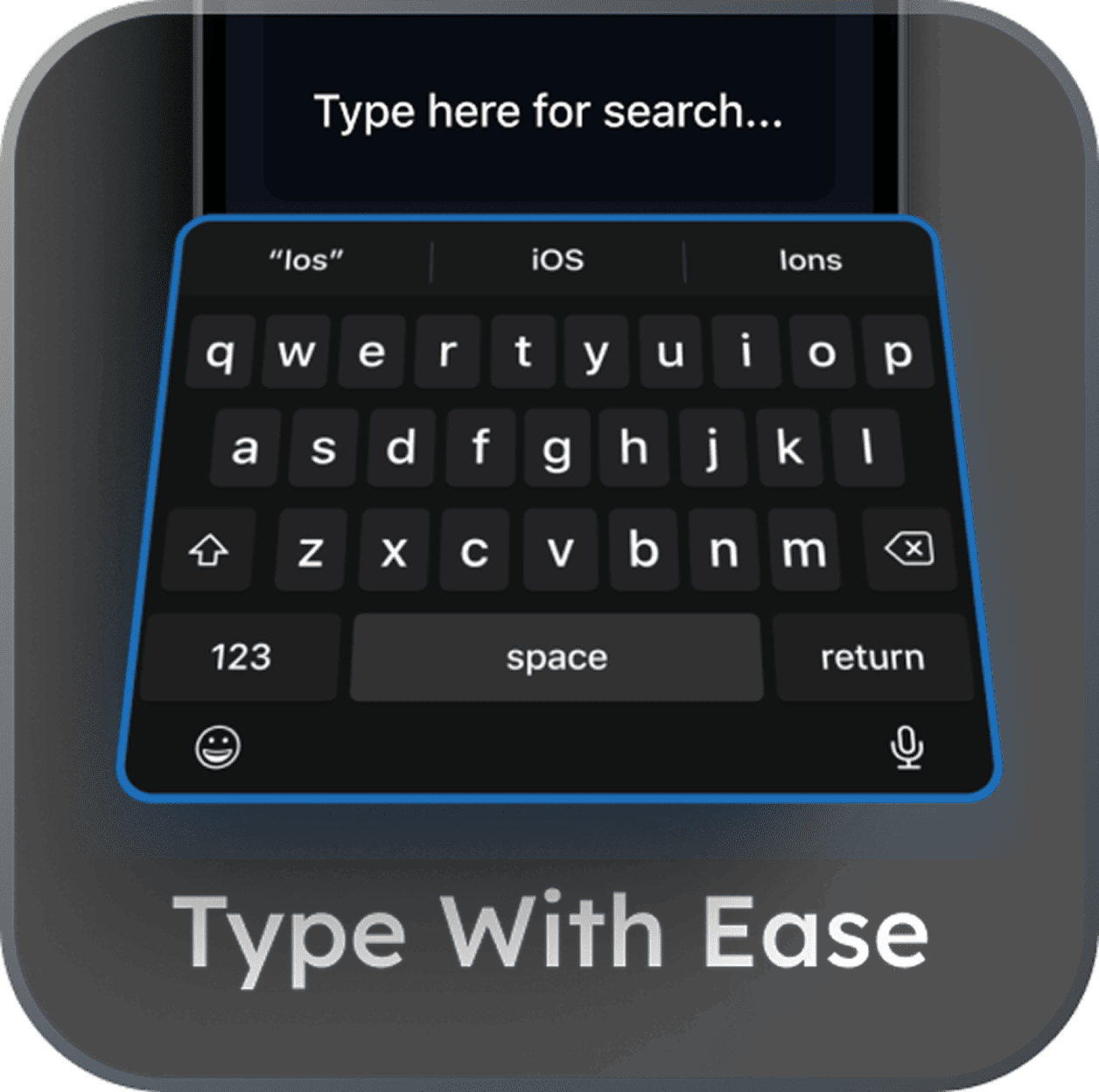
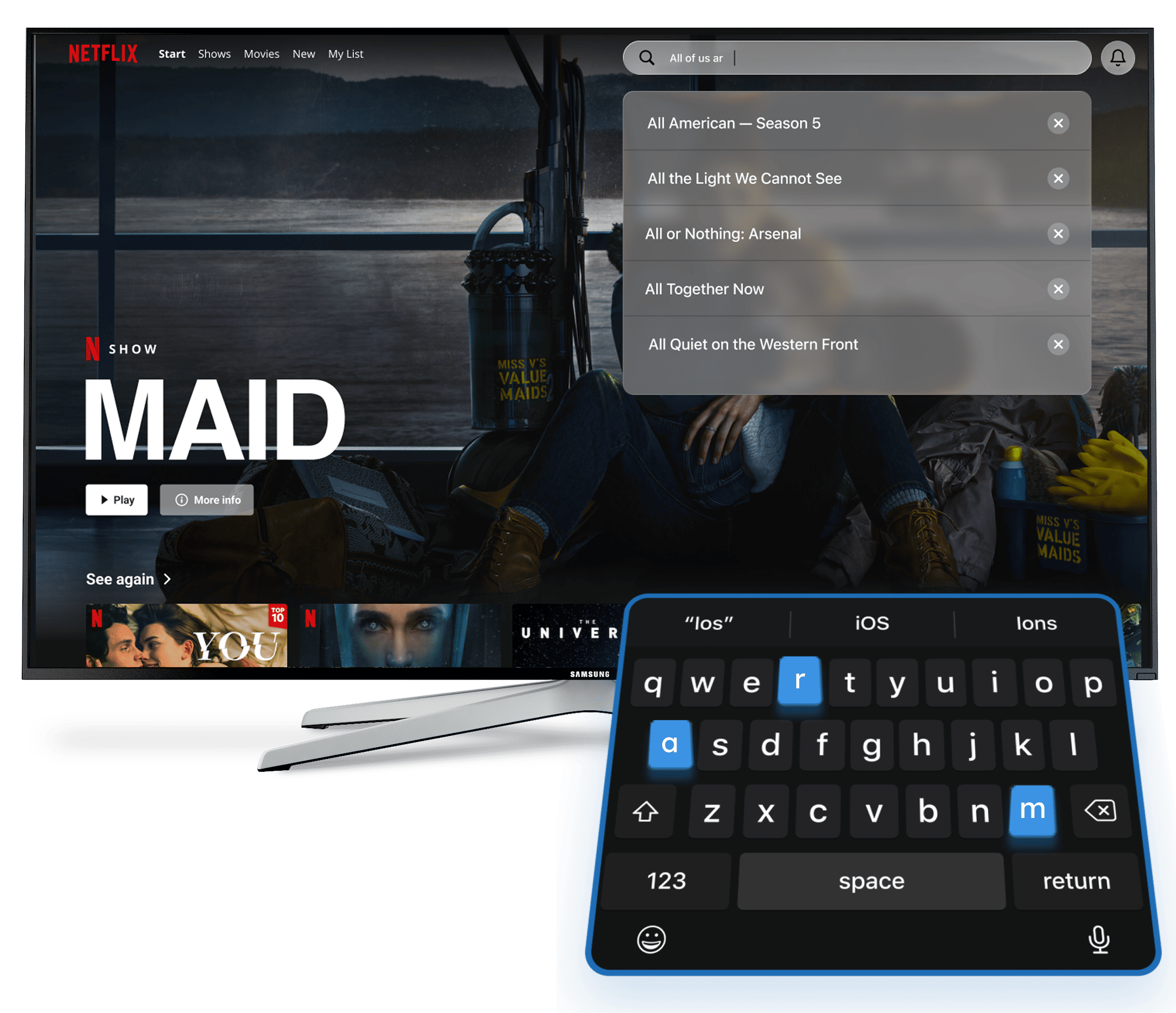
Finally, typing that doesn't hurt.
- Search for content on Netflix or YouTube in seconds.
- Easily log in to all your streaming apps.
- Use your native keyboard, complete with auto-correct and paste.
Don't just take our word for it.
See what users are saying about the remote they actually *want* to use.
Jessica Carter
"The keyboard feature is a lifesaver. I used to dread searching for anything on my TV, now it's actually fast. 10/10."

Ryan Cooper
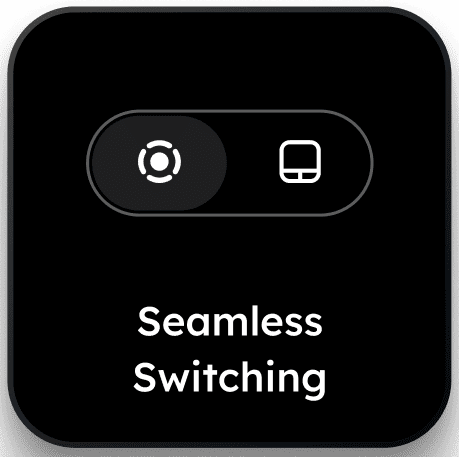
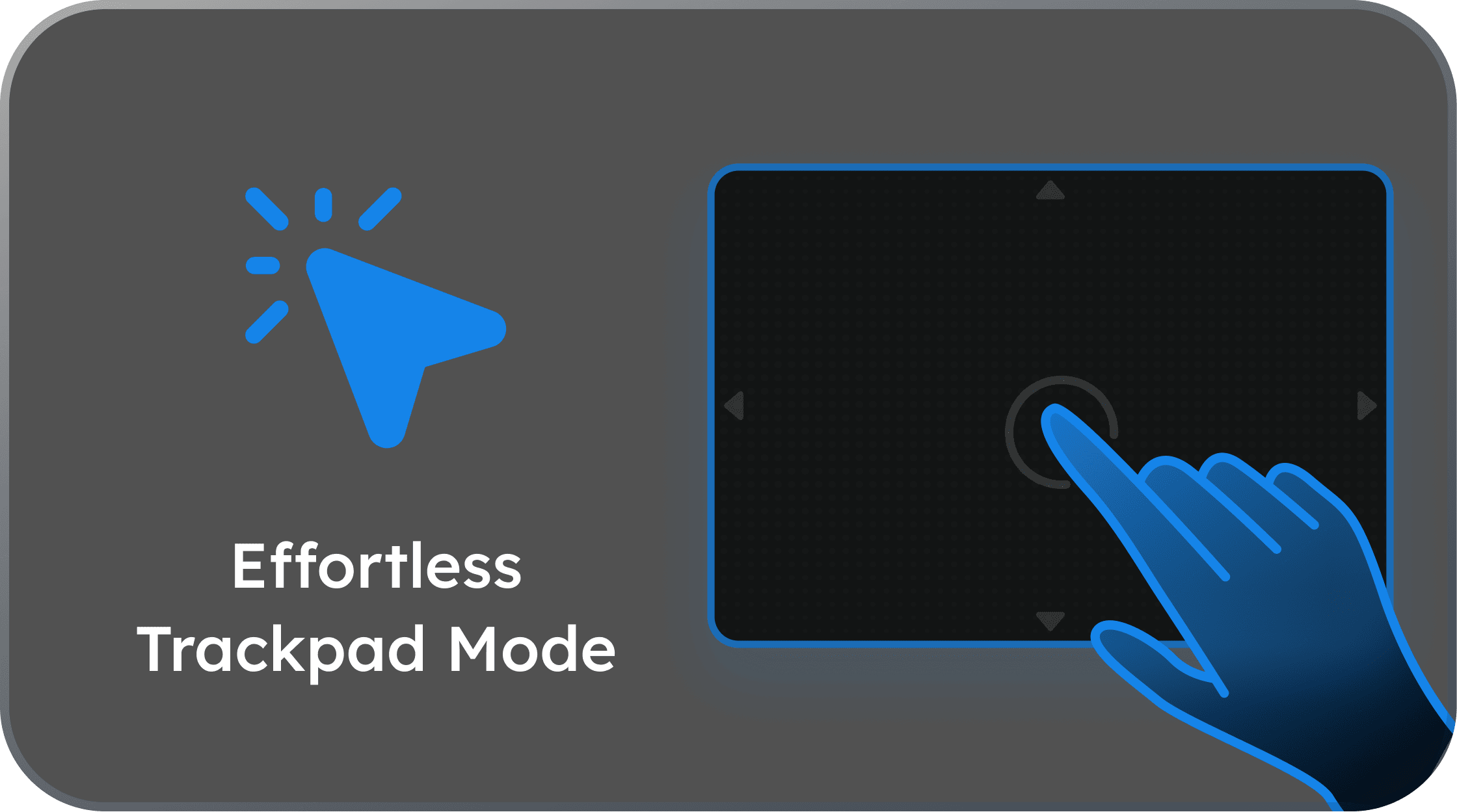
"I lost my remote months ago and have been using this ever since. Honestly, it's way better. The touchpad is so much more responsive."

Brandon Clark